Midnight to midnight.
Every day becomes a seal of its own.
Our logo is one of those days.
Tap your watch.
Write your day
into a book.
Hinokoe records your day on Apple Watch, transcribes it on your iPhone, and AI turns it into a page of your book.
Your audio is never uploaded to our servers
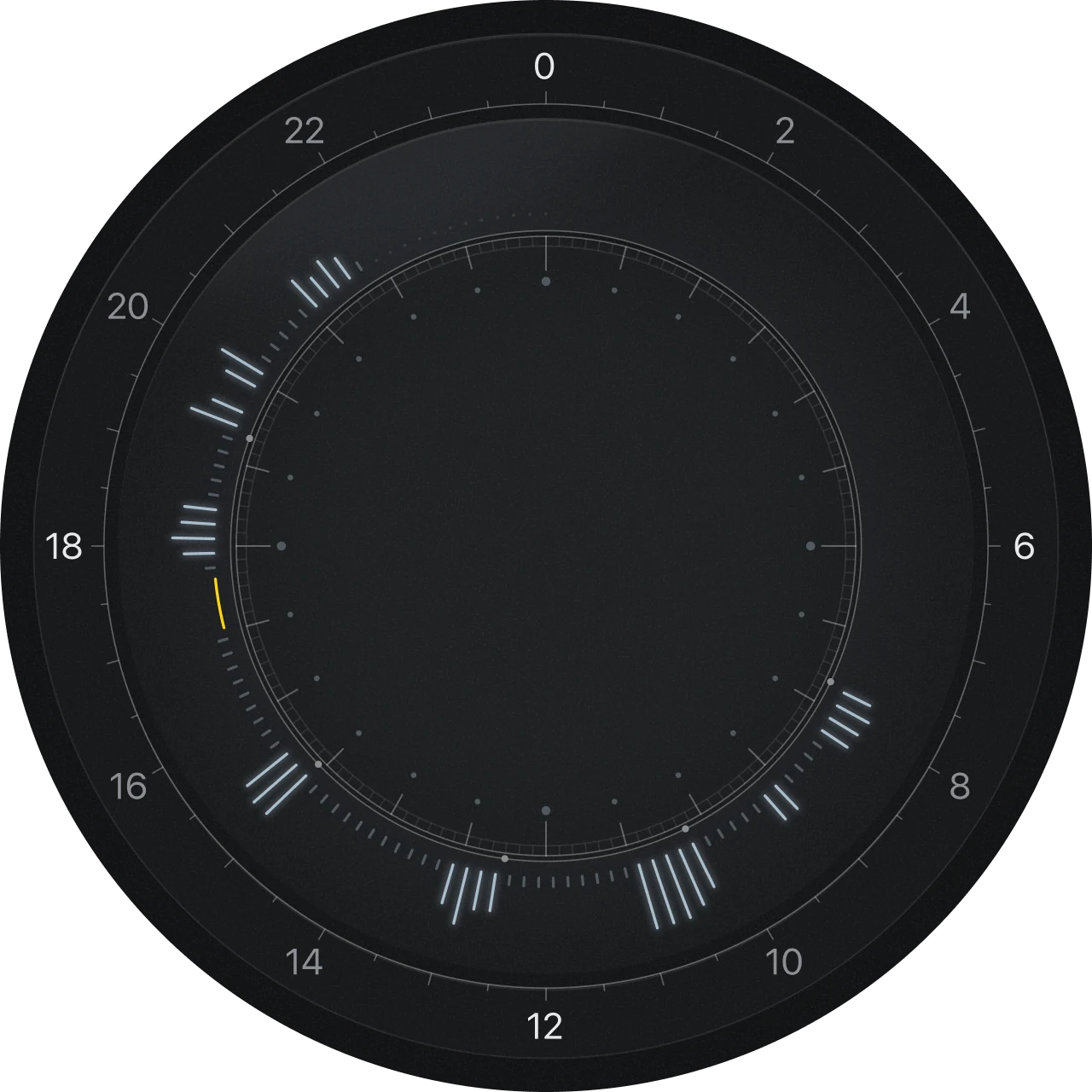
- 07:42Heading out
- 10:15Weekly meeting
- 12:30Lunch with Kenji
- 15:05Client call
- 19:20Evening walk
- 21:00Calling Mom
One day,
one page.
One year,
one volume.
- Opening: a point of light sets off at midnight and travels clockwise through the day, leaving fine lines where there was talking and small stars at a few moments, drawing today’s dial.
- As you scroll, the dial’s ticks drift apart one by one and become stars.
- The dial shrinks into a day seal at the center of a book cover, with a year of seals around it like a sky full of stars.
- The book opens and turns through the last five days, stopping at today.
A day
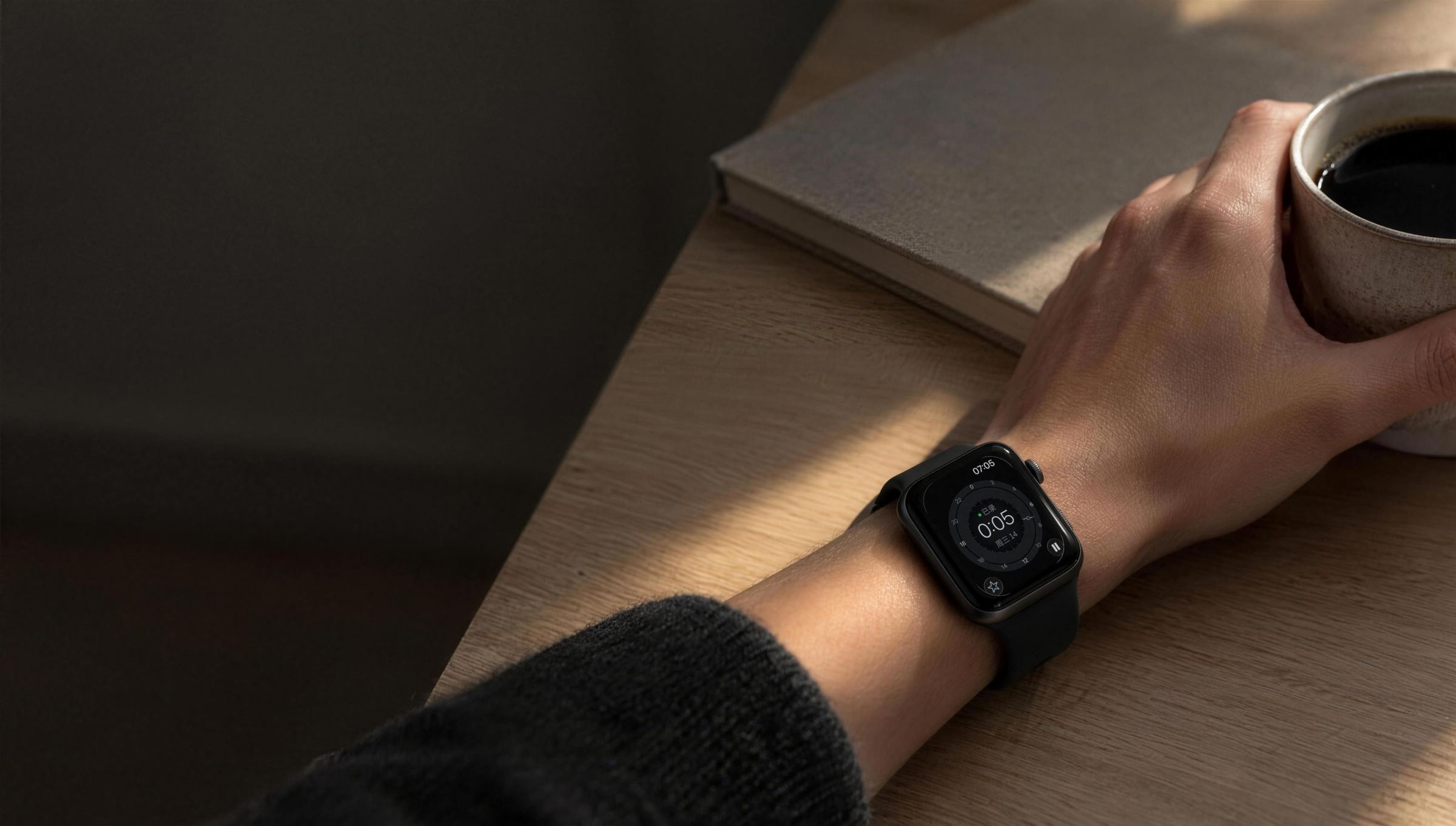
A day07:05Morning
One tap.
That’s it.
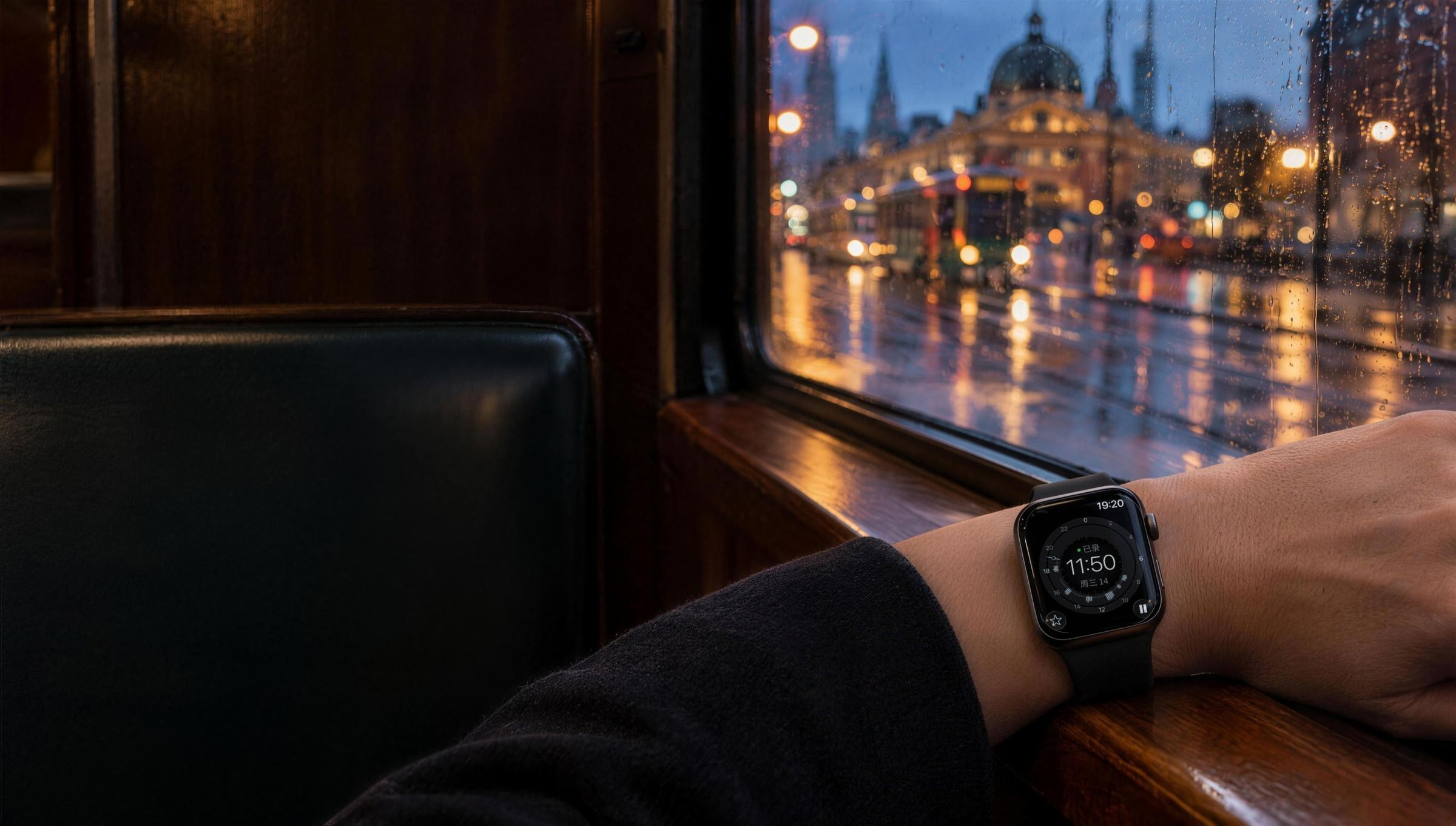
The recording screen is also a watch face. Glance at the time, and see how much of today is already recorded.
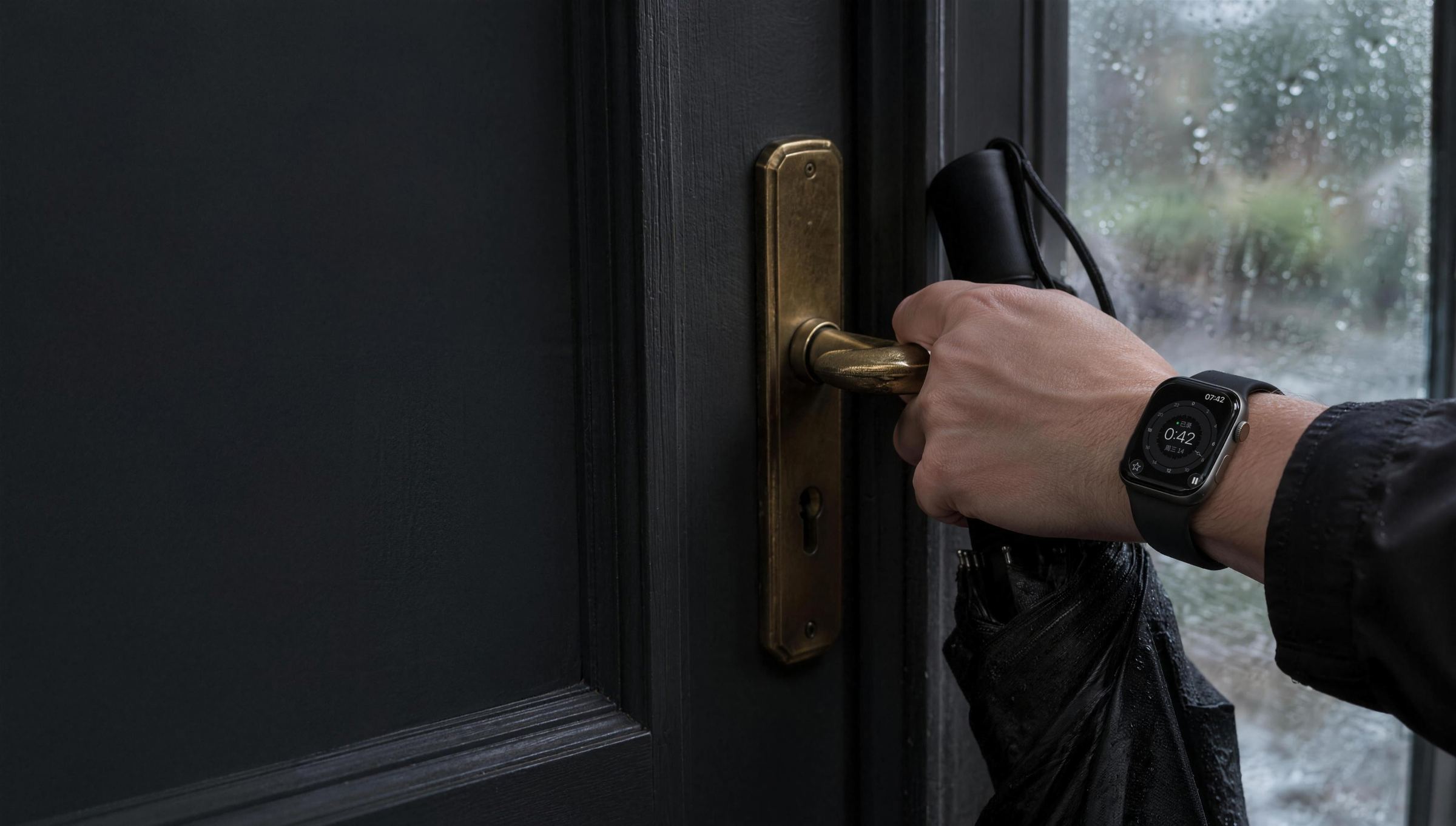
A day07:42Heading out
Even an offhand
remark gets kept.
“Got an umbrella? Rain this afternoon.” A line from the doorway, still there tonight.
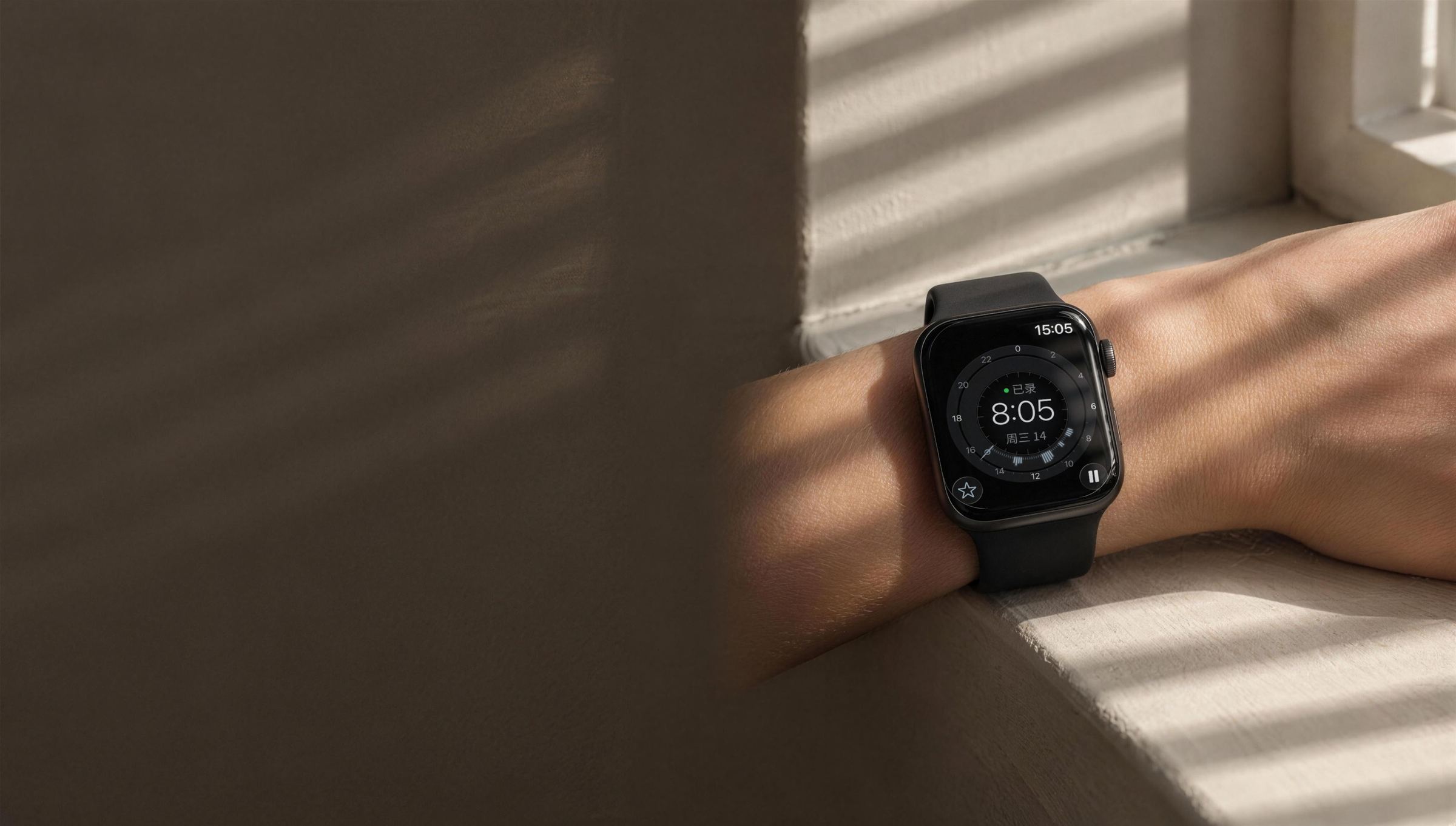
A day15:05A call
Interrupted?
It carries on.
When a call interrupts, recording resumes after you hang up. If it can’t, your watch taps you. One tap resumes.
A day19:20Ride home
Quiet moments
take no space.
Stretches where no one speaks fold away. The page keeps only what was said.
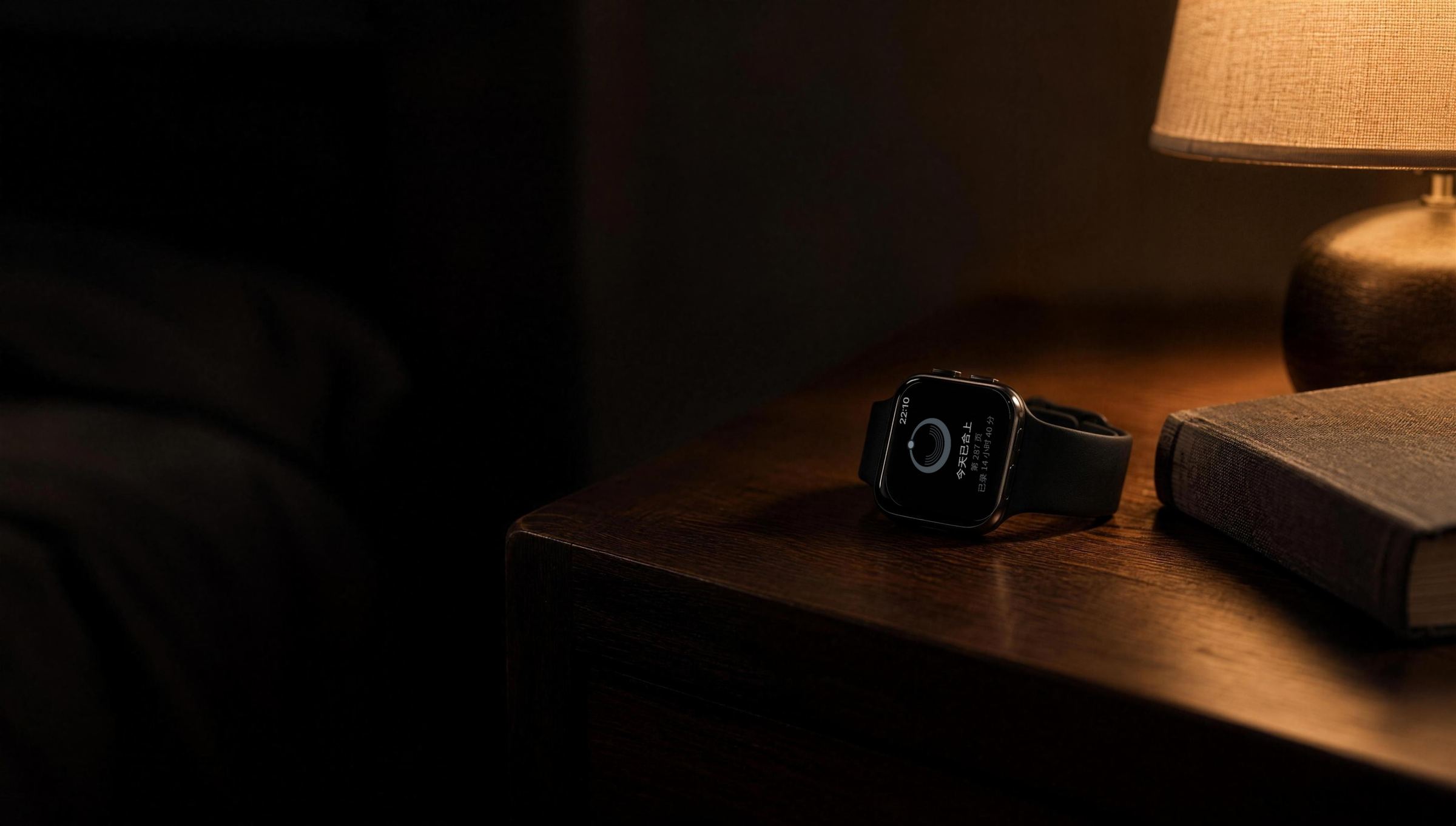
A day22:10Bedtime
Today
is written.
The dial closes into a day seal, stamped in the corner of the page.
Turn the bezel to pick a moment
Your local time
The book
One day, one page.
One year,
one volume.
At day’s end the dial stops and shrinks into a day seal, stamped in the corner of the page. The more you talked, the thicker the ring; the dot marks when your day ended. A year of seals becomes the cover of that volume.
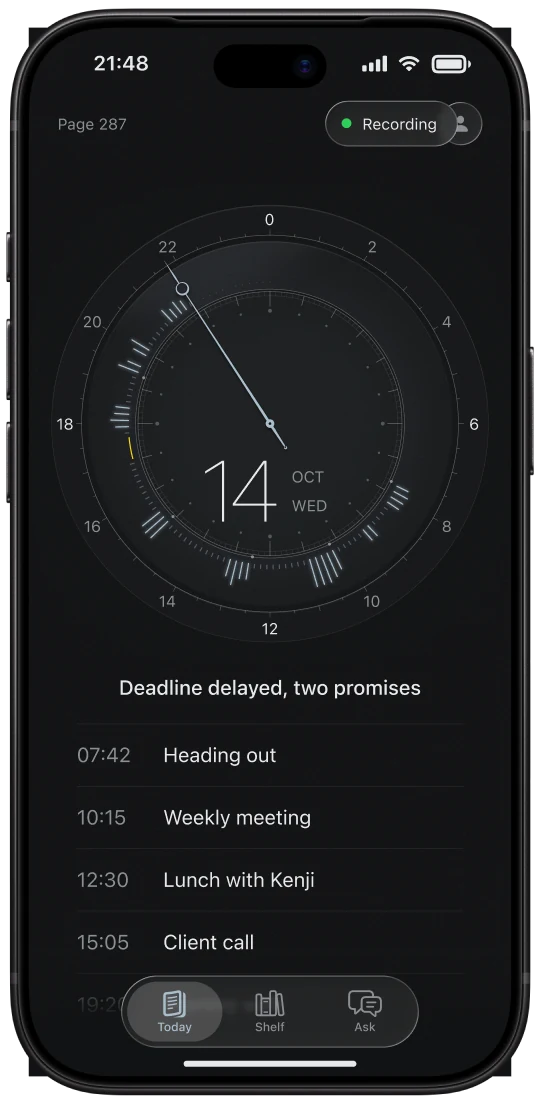
Today
The dial keeps moving as sound grows around it
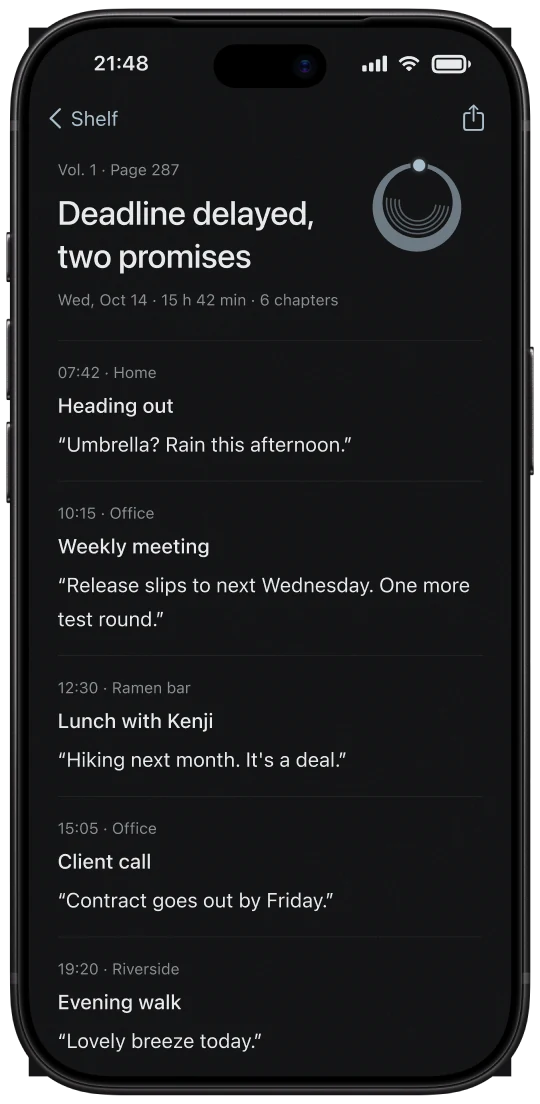
Closing · 1.2 s
The dial becomes a seal in the page corner
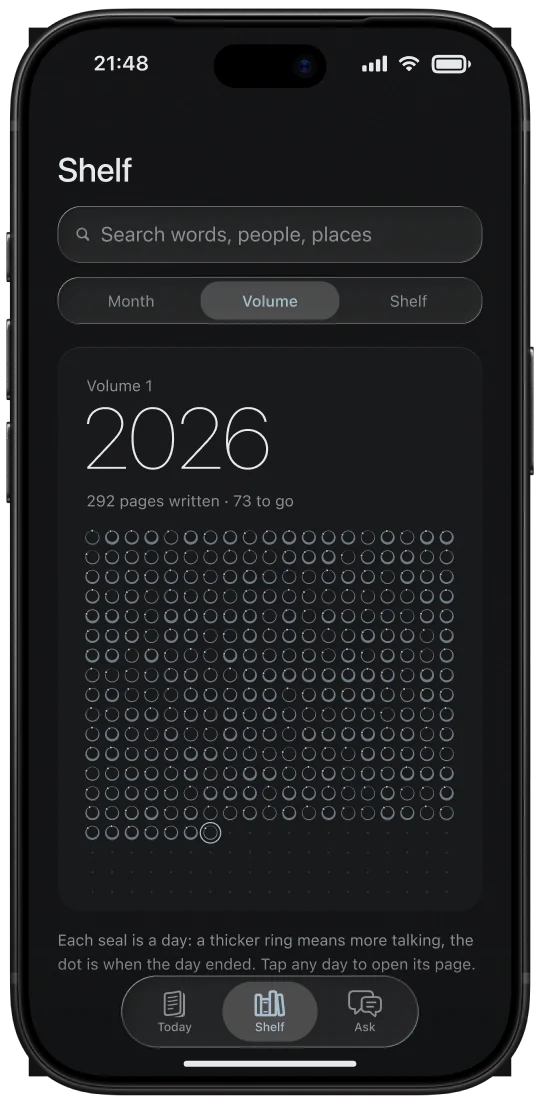
Shelf
A year of seals makes the cover
Privacy
It stops
when it should.
Transcribed on your iPhone
Your iPhone turns speech into text. Your audio is never uploaded to our servers.
Cloud AI gets text only, with names replaced
When you use cloud AI, names, phone numbers and similar details are replaced with placeholders on your iPhone first. Our servers don’t keep it, and the AI provider keeps it for up to 30 days.
The people around you have a say
They can see you’re recording, ask you to pause, or ask you to delete what was just said.
Whether recording is legal depends on where you are. Learn your local law and tell the people around you. The app gives prompts for your region, but this isn’t legal advice.
FAQ
You might be wondering
Do I need my iPhone with me all day?
No. Your watch records on its own and sends audio over for transcription when you’re back near your iPhone.
Will the battery last a day?
We’re measuring battery life on real devices during the beta and will share the numbers once we have them. You can pause anytime, and recording stops and saves when the battery runs low.
Is it legal to record other people?
It depends on where you are. Many places require you to tell the people around you, and some require everyone’s consent. The app gives region-specific guidance, but follow your local law and let people know.
Where is my audio stored?
On your iPhone, and it’s never uploaded to our servers. You can also choose to back it up, encrypted, to your own iCloud.
What does cloud AI send?
Only text, never audio, heart rate or precise location. Before it’s sent, names, phone numbers and similar details are replaced with placeholders on your iPhone. Our relay passes it on without keeping it, and the AI provider doesn’t train on it and keeps it for up to 30 days for safety review.
How do I join the beta?
Join the waitlist and tap the button in the confirmation email. When the beta opens, we’ll send invitations in batches through TestFlight. You’ll need Apple Watch paired with iPhone: iPhone needs iOS 26 or later, and Apple Watch needs watchOS 26 or later.
When will it launch, and how much will it cost?
We’re not there yet. We’ll post the launch date and pricing here once they’re set, and email everyone on the waitlist.

Start today.
Write your
first page.
One tap on your watch and it starts recording. When the beta opens, we’ll invite people from the waitlist in batches.